
Pick the route for your device
There is no need to install an APK to explore the browser demo. Distinguish an operator app, a browser shortcut and the game itself.
Android
Use a supported browser first. If a separate app is required, verify that the package actually comes from the operator’s authorised distribution route.
iPhone / iPad
A saved home-screen icon may open a web page rather than an independent application. An APK is not an iOS installer.
Desktop
Try the official web player in a current browser; check the actual frame error instead of downloading a random executable.
Opening the browser player
Use the practice player linked from our guide or the developer's own product listing, select the original edition or 2.0 and give its controls time to render. The software contacts an external game service; it requires connectivity rather than operating entirely offline. Further reading: InOut demo in the main guide.
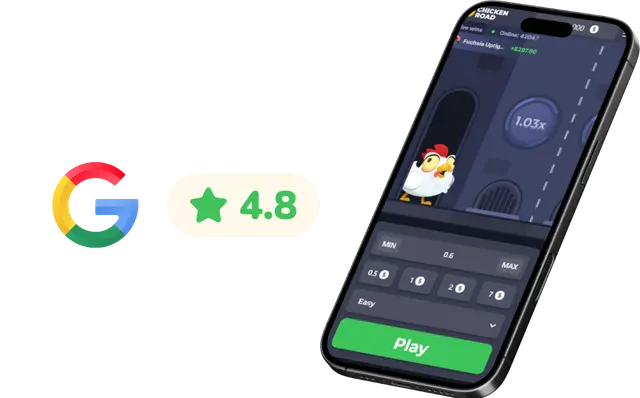
A current mobile browser may support the game, provided the handset has compatible graphics capabilities and the session is permitted in its location. Turn the screen to landscape before beginning if that improves the layout. Choose readable zoom settings and wait for the page to stabilise before pressing buttons.
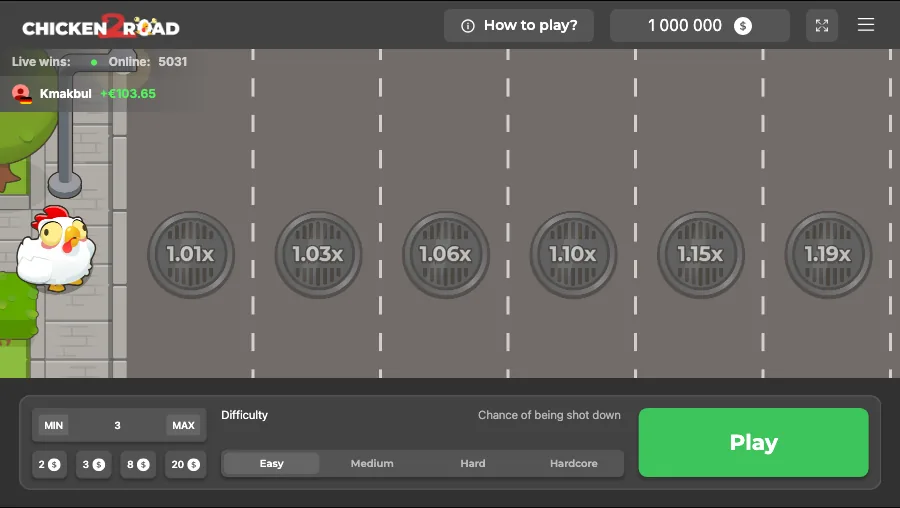
What a home-screen shortcut actually does
Saving a browser shortcut puts a convenient link to a particular address on the home screen. It neither verifies the operator nor changes access policies or fund eligibility. Depending on the browser's capabilities, opening that icon may simply create an ordinary browser tab instead of an independent application window.
Android installers: verifying publisher and origin
Android installation packages use the APK format; the file extension tells you how software is installed, not whether the publisher is legitimate. The provider's official demonstration is delivered through the web, meaning an advertisement that insists on a separate installer is describing a different distribution route rather than a necessary step here.
- Check the download source: navigate through the genuine operator website rather than message attachments or shortened links.
- Identify the publisher listed for the installer and compare it with the legal business on the service website.
- Review requested access: software privileges covering messages, accessibility features or device management require a legitimate explanation.
- Confirm a reliable update channel and support address. A package without an maintained release page or verifiable recovery route should not be trusted.
Keep your phone's security protection enabled even when an installer advertising a predictor, mod or unlimited money asks otherwise. Attractive balance graphics do not establish that any money can be withdrawn. If you installed an untrustworthy file, revoke its access, uninstall it and reset reused passwords with a separate trusted device before returning to affected accounts.
How to evaluate a Pro listing
The suffix identifies a name chosen by whoever published that listing; it does not establish an official InOut modification. The documented sequel is called Chicken Road 2.0, not necessarily Pro. Independently verify any promises of higher odds or special settlement controls through the product identification checklist. Further reading: real-or-fake checklist.
Access through an iPhone or iPad
iOS does not install software using the Android APK format. Open the developer's demonstration with a compatible up-to-date browser on an iPhone or iPad. A saved shortcut remains a link to an address, so verify the domain when returning to it.
Store searches can display multiple software publishers whose games feature a bird or a crossing. Examine the named developer, product description and payment conditions before choosing an app. Neither a familiar icon nor a favourable review score establishes that InOut's title is included.
| Device | First option | Important distinction |
|---|---|---|
| Android | Current browser | The browser demonstration works independently of any Android application package. |
| iPhone / iPad | Compatible browser | APK files run on Android rather than Apple's mobile operating system. |
| Desktop | Current browser with graphics support | A web demo needs no desktop installer |
Troubleshooting the mobile player
When the embedded frame is empty
Start with one refresh, a connection check and closing other resource-intensive browser tabs. Ensure the browser is current and that graphics acceleration is active where supported. The surrounding webpage may appear correctly even on a device that cannot render the game frame's graphical requirements.
When the iframe is empty, try the official product listing to distinguish a frame problem from the game itself. Extensions may interfere with an external embedded player. Regional access restrictions should be respected rather than circumvented through VPNs or alternate routes.
When an active round freezes
If the animation stops, wait until the connection returns and inspect the recorded result. The visual freeze alone does not tell you whether collection or failure was recorded. Supply authorised casino support with the relevant round reference, timestamp and error message, while keeping passwords and one-time access codes private.
Checking the sound settings
Sound can remain disabled until you interact with the browser. Inspect the audio toggle in the game, the tab mute control and your device volume. Missing audio on its own does not establish a fault with the mathematical model or a payment.
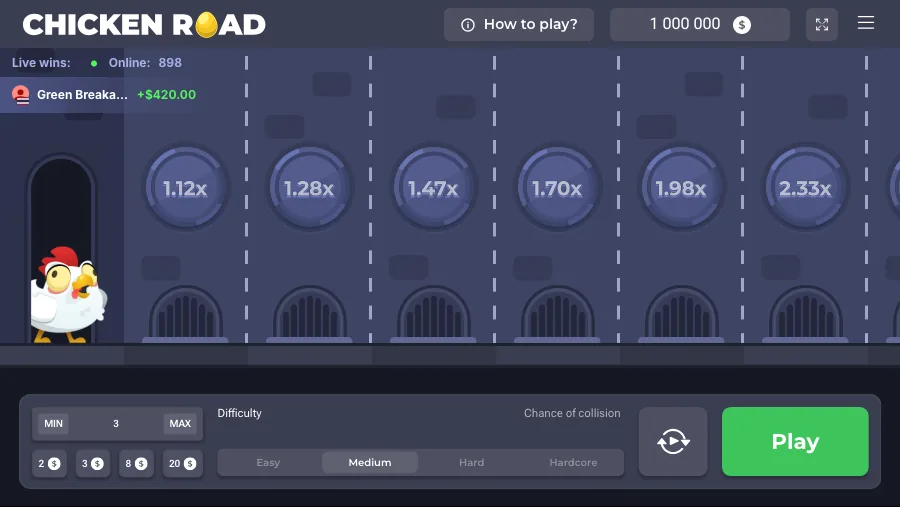
The overview explains how each version differs and covers difficulty choices and calculations for possible settlement amounts. Further reading: complete game guide.
Use the practice player for further loading advice, the game-identification pages for similar names and the operator guides for account access checks. Further reading: browser demo and loading help; similar-game identification; correct operator login checks.
Choose the appropriate access route
The access choices differ by operating system and source. The game runs through supported web technology; an operator may also distribute its own casino application. An app shortcut created from a browser is not proof that a separate Chicken Road application exists. Treat a package from a third-party source as a distinct product requiring verification.
| Platform / route | Check first | If it fails |
|---|---|---|
| Android browser | Updated browser, network and orientation | Reload the provider page; inspect connection or graphics settings |
| iOS browser | Supported web player, screen size | Try the provider page rather than an APK |
| Desktop browser | Browser version and graphics support | Review published requirements |
| Operator application | Verified publisher and account route | Consult the operator’s official instructions |
Download-source check
Mark the items you have confirmed. This checklist stays in your browser and does not submit data.
Avoid anonymous installers that replace the provider interface or promise an unlocked balance. A game display, device compatibility and regional legality are separate questions.
Identify the access method from the screen you have
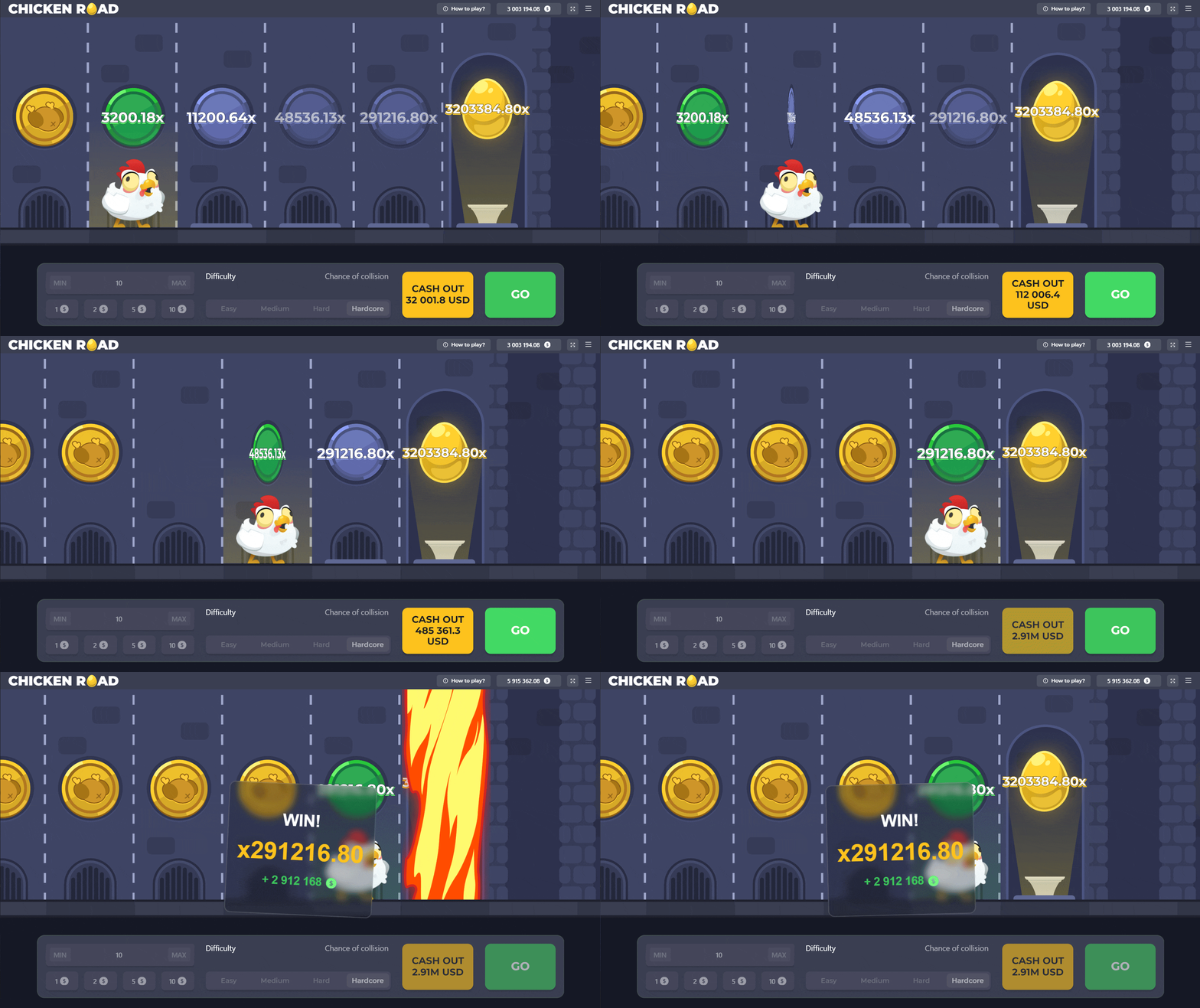
The illustrations on this page represent a web game, mobile browser access and operator-distributed installation instructions. These are different layers, even if all three ultimately display a similar game. The browser handles web content; an installed casino app may provide an account interface; a home-screen shortcut typically points back to a webpage. You can diagnose many mobile problems without treating an installation as the first step.
Think about the smallest failing component. If other websites load but one embedded player does not, the issue is narrower than general connectivity. If the player works but the casino wallet does not appear, the account session may be distinct from the demo. If an installer requests unusual permissions, that concern is about the software publisher rather than the game’s mathematics.
Mobile access troubleshooter
Select the symptom to see the relevant layer.
Android asks to install an APK
An APK is an operating-system package. Its availability and publisher must be verified through the official distribution route; it is not a requirement for opening a browser demo.
Next check: Prefer the browser when only exploring the rules and check the verified source before considering installation.
iPhone opens a home-screen shortcut
The shortcut can resemble an app icon while launching web content. It does not establish which account or balance is active.
Next check: Inspect the web address and account mode after opening it.
The game is clipped or controls are off screen
A mobile player can be affected by orientation, browser zoom, keyboard or viewport size. A visual defect is not evidence of a failed transaction.
Next check: Restore normal zoom, close the keyboard, change orientation if supported and consult the round history.
An update prompt appears on an unrelated website
A third party may present an installer or updated package that is not from the verified publisher.
Next check: Do not enter account credentials or install software until the source and actual publisher are established.
Diagnose mobile access by the visible symptom
Follow the state corresponding to the screen you see, without opening any account or installing a file.
- 1
Browser opens the guide
Verify the address and locate the embedded demo or provider product link.
Result or check: The guide is loaded; the game frame is a separate resource.
- 2
Frame remains blank
Check the selected edition, network and browser rendering; use the official product link as a fallback.
Result or check: The player is either visible or its external availability remains unresolved.
- 3
Installer prompt appears
Inspect the origin and publisher rather than accepting an unexpected download.
Result or check: If the source cannot be established, do not install.
- 4
Wallet appears instead of virtual balance
Check whether the session belongs to an operator account.
Result or check: Do not confuse an account-funded mode with practice credits.
Frequently asked questions
5 / FAQNo questions found for this search. Enter a different search term.
Is an installer necessary to open the game?
A supported browser can display the InOut practice player without installing additional software. Verify an operator-specific application separately because it is another method of distributing the casino service.
Does iOS support the Android package format?
Android is the platform that uses APK packages. On iOS, access the web player or independently verify the company distributing a native application.
Can I trust an app simply because it is in a store?
No rating, icon or name provides a verified relationship to the studio. Cross-check the named publisher, software description and official source address instead.
What causes an empty embedded game frame?
A blocked iframe, missing graphics capabilities, unavailable session or disabled acceleration may prevent the display from appearing. Refresh once and examine the developer's own product page.
Can a saved webpage run without a connection?
An icon on your home screen simply leads to the saved webpage. You still need connectivity and an available session from the game supplier.